
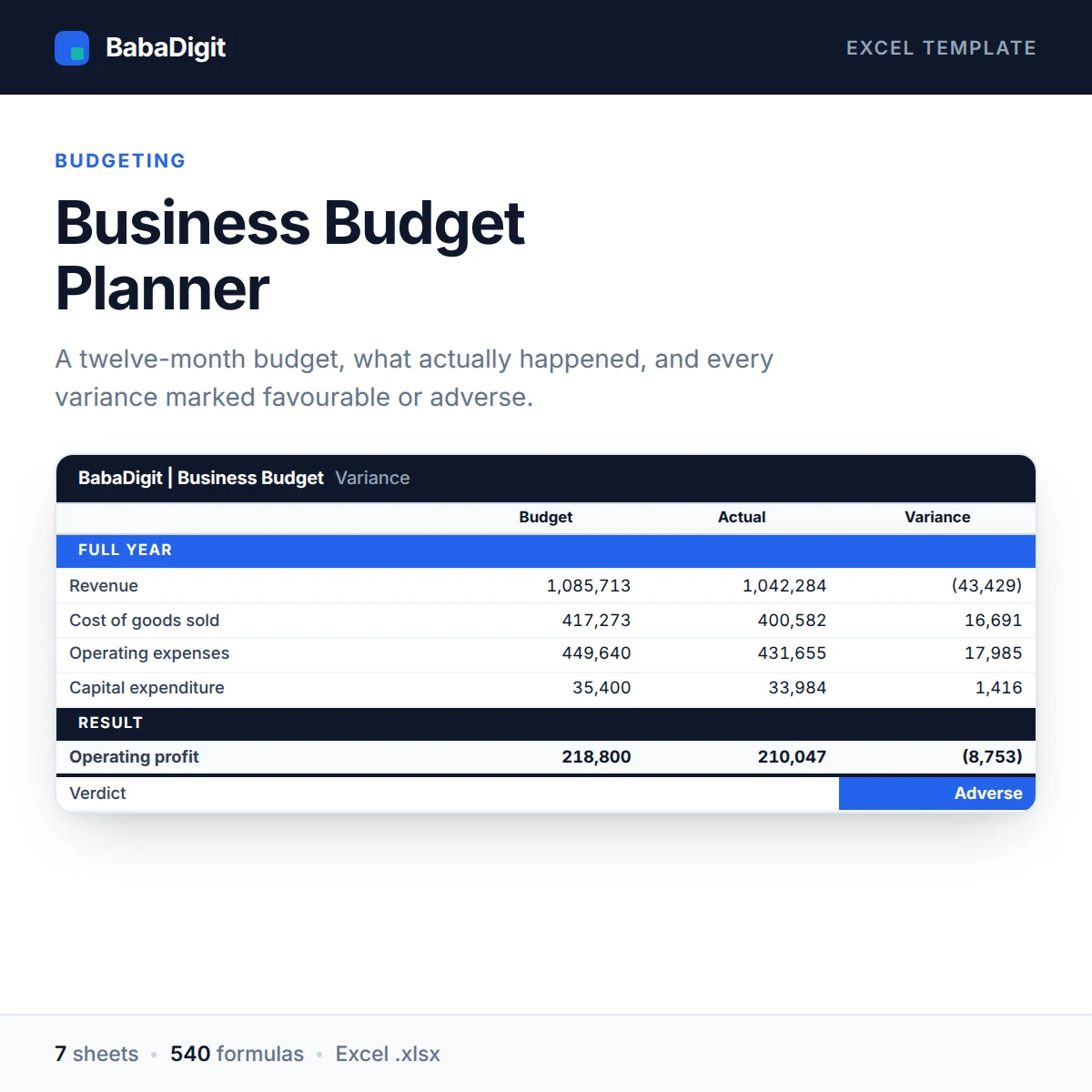
Most budget templates hand you a variance column and leave you to work out whether a positive number is good news. It depends on the line: more revenue is good, more rent is not. This template does that thinking for you and labels every variance Favourable or Adverse.
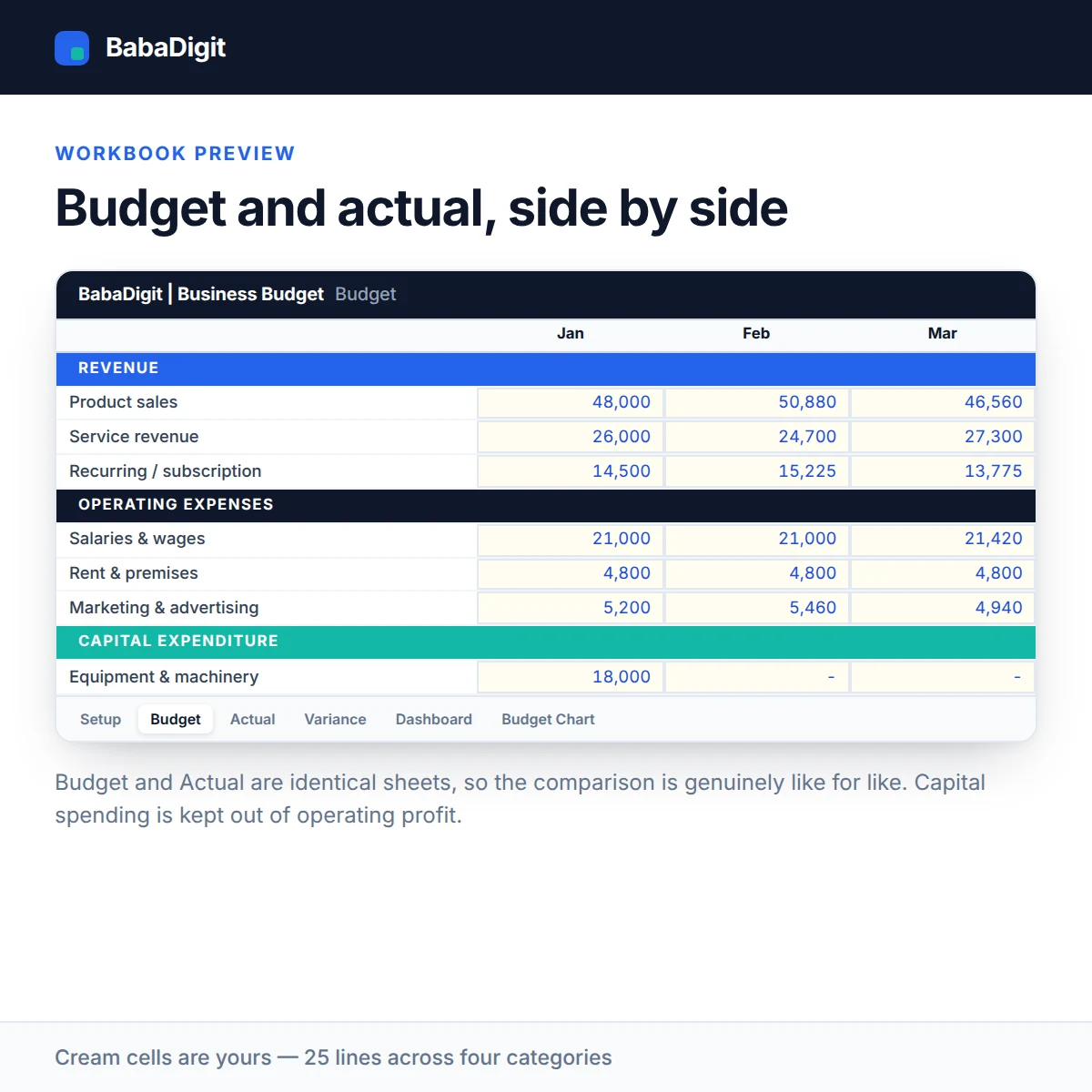
Budget and actual live on separate sheets with identical structure, so the comparison is genuinely like for like. Capital spending is tracked separately from overheads, because a one-off equipment purchase should not make a month look unprofitable.
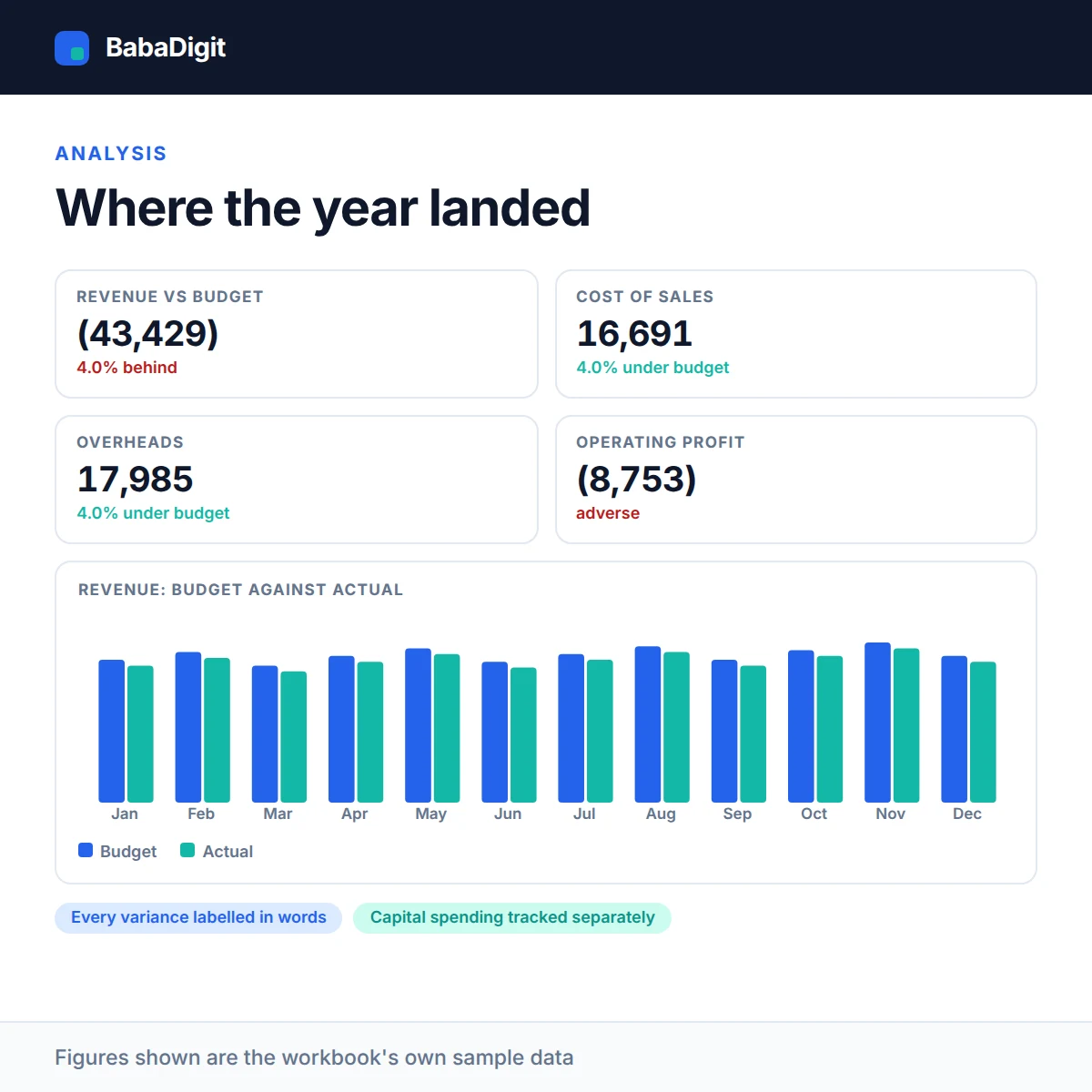
The Variance sheet breaks down each of the five headline lines month by month. The Dashboard condenses the whole year into a single screen you could put in front of a board, and the chart shows budgeted against actual revenue.
It uses the same chart of accounts as the BabaDigit P&L and Cash Flow templates.
What you get
- Twelve-month budget and twelve-month actual
- Twenty-five line items across four categories
- Variance in money and percent, on five headline lines
- Favourable / adverse labelling throughout
- Full-year dashboard and budget-vs-actual revenue chart
- Configurable currency — no currency is hard-coded
- No country’s tax rates or statutory rules built in
- Sheets protected without a password
- No macros, no add-ins, no internet connection required
Who it is for
Business owners, finance managers and bookkeepers who set a budget once a year and want to know, every month, whether they are on it.
In the download
- Excel workbook, fully formula-driven
- README with the full usage guide
- Licence covering commercial and client use
- Worked sample data throughout, clearly labelled
Sheets in the workbook
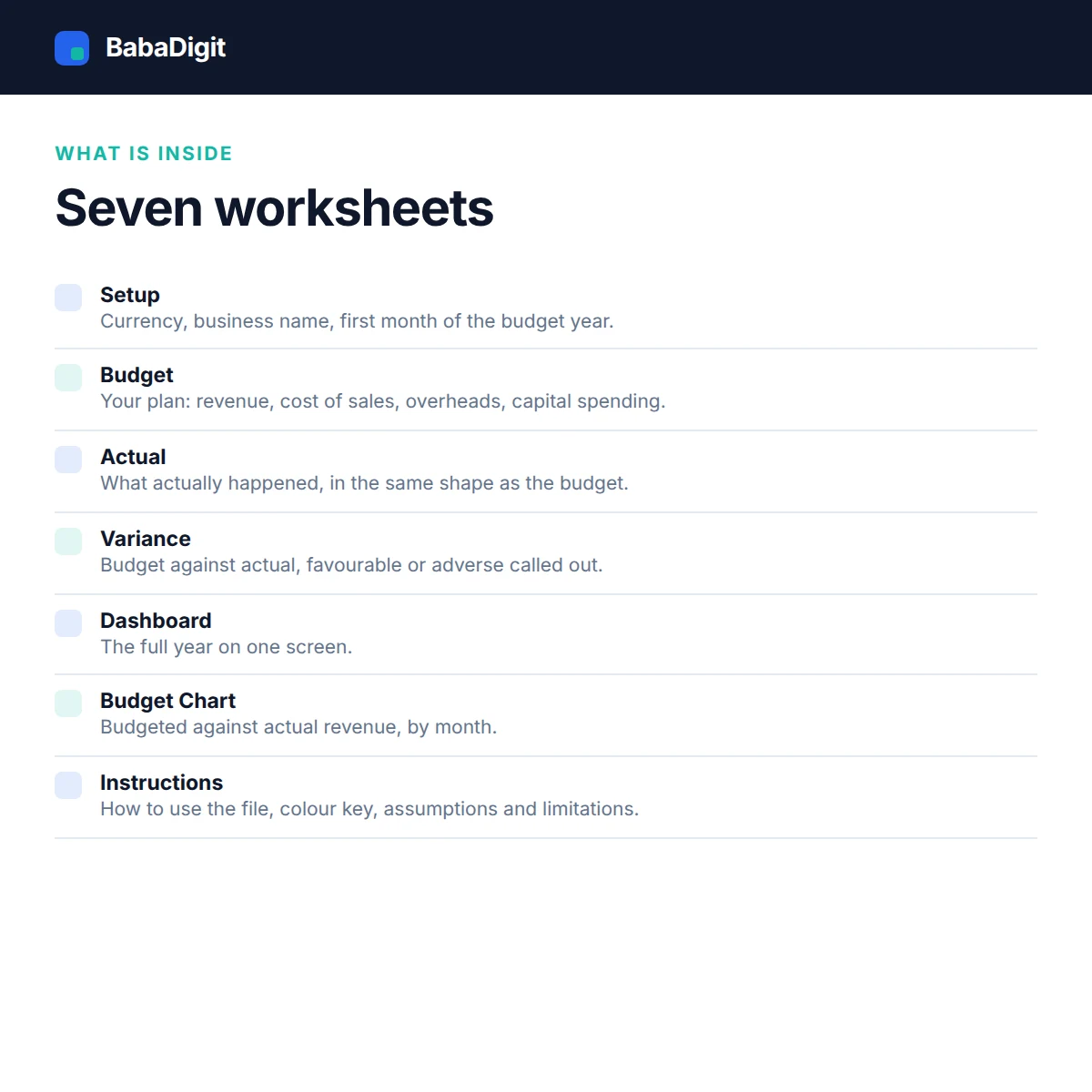
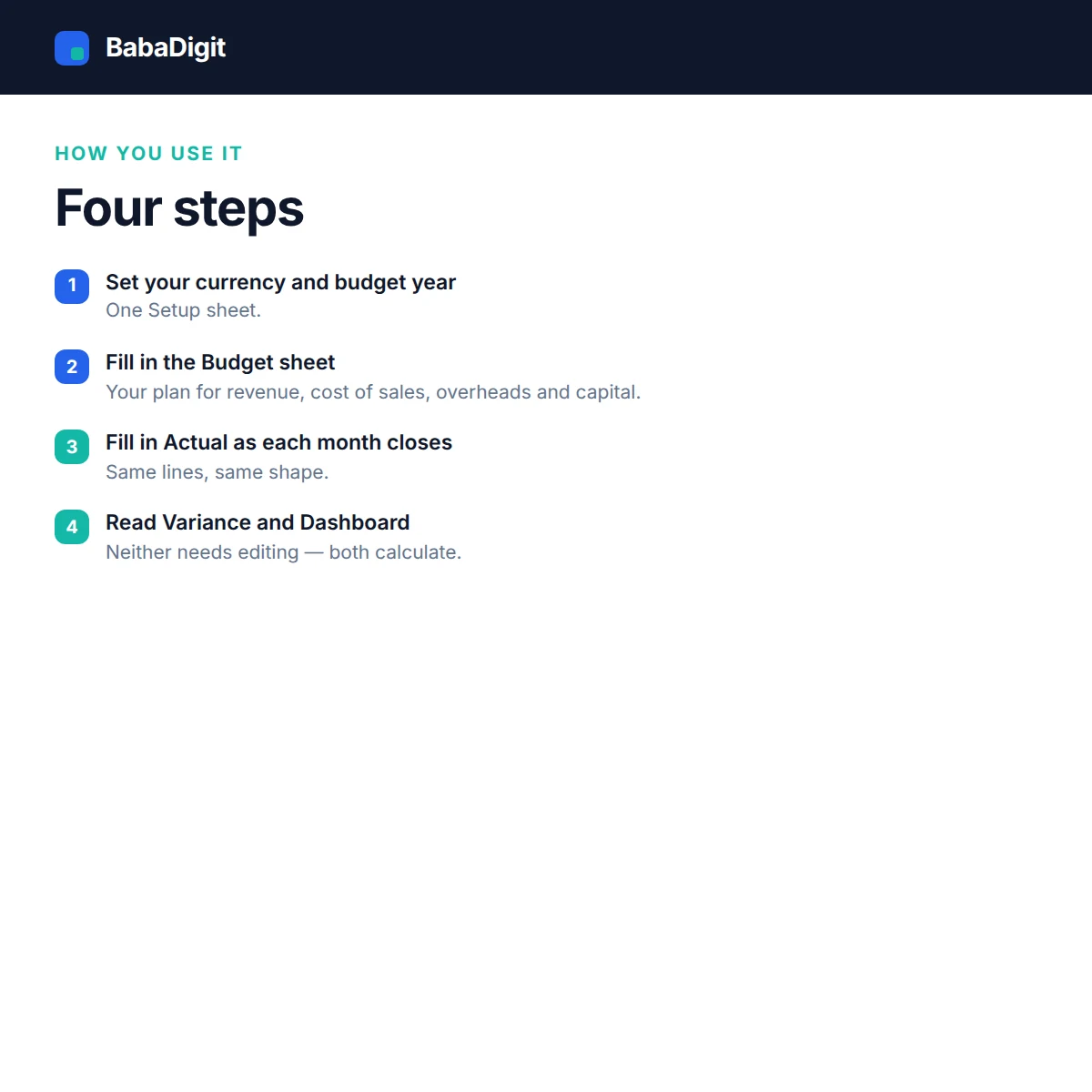
- Instructions — How to use the file, colour key, assumptions and limitations.
- Setup — Currency, business name and the first month of the budget year.
- Budget — Your plan: revenue, cost of sales, overheads and capital spending.
- Actual — What actually happened, in the same shape as the budget.
- Variance — Budget against actual, with favourable and adverse called out.
- Dashboard — The full year on one screen.
- Budget Chart — Budgeted against actual revenue, by month.
Requirements
- Microsoft Excel 2016 or later, or Microsoft 365
- Also opens in LibreOffice Calc, Google Sheets (import) and Apple Numbers
- No macros, no add-ins, no internet connection required
Please read
- A budget is a plan, not a forecast. This template compares the two; it does not tell you which is right.
- Capital spending is recorded at cost. Depreciation is not modelled here — use the BabaDigit P&L or Financial Model template for that.
- General information only, not financial or accounting advice.
- Sample data is included and clearly labelled. It is illustrative only.
- This is a tool, not financial, accounting, tax or legal advice.
Reviews
There are no reviews yet.