
A balance sheet shows the financial position of a business at a specific date, bringing together its assets, liabilities and equity. Comparing two reporting periods helps you see how that position has changed, rather than looking at one set of balances in isolation.
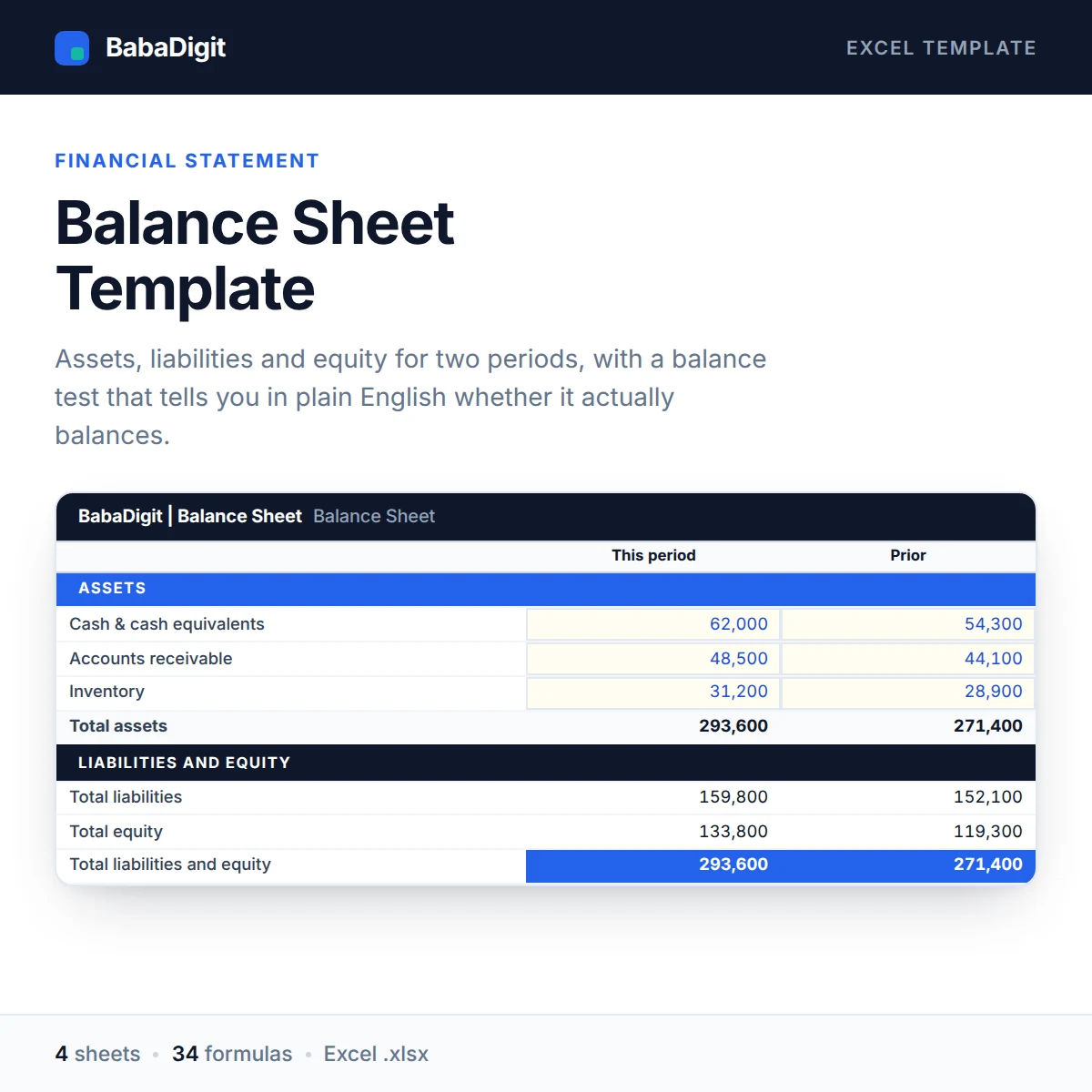
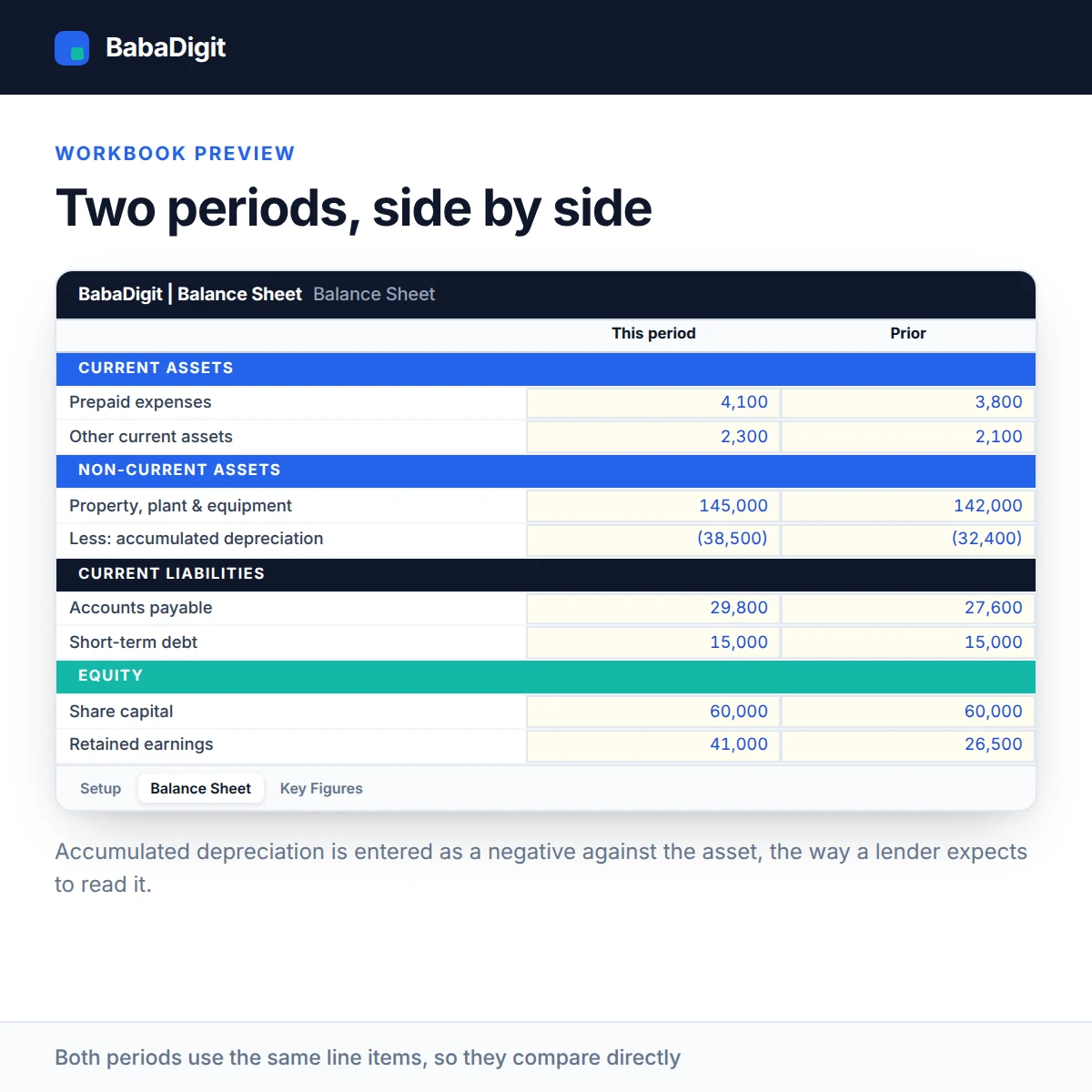
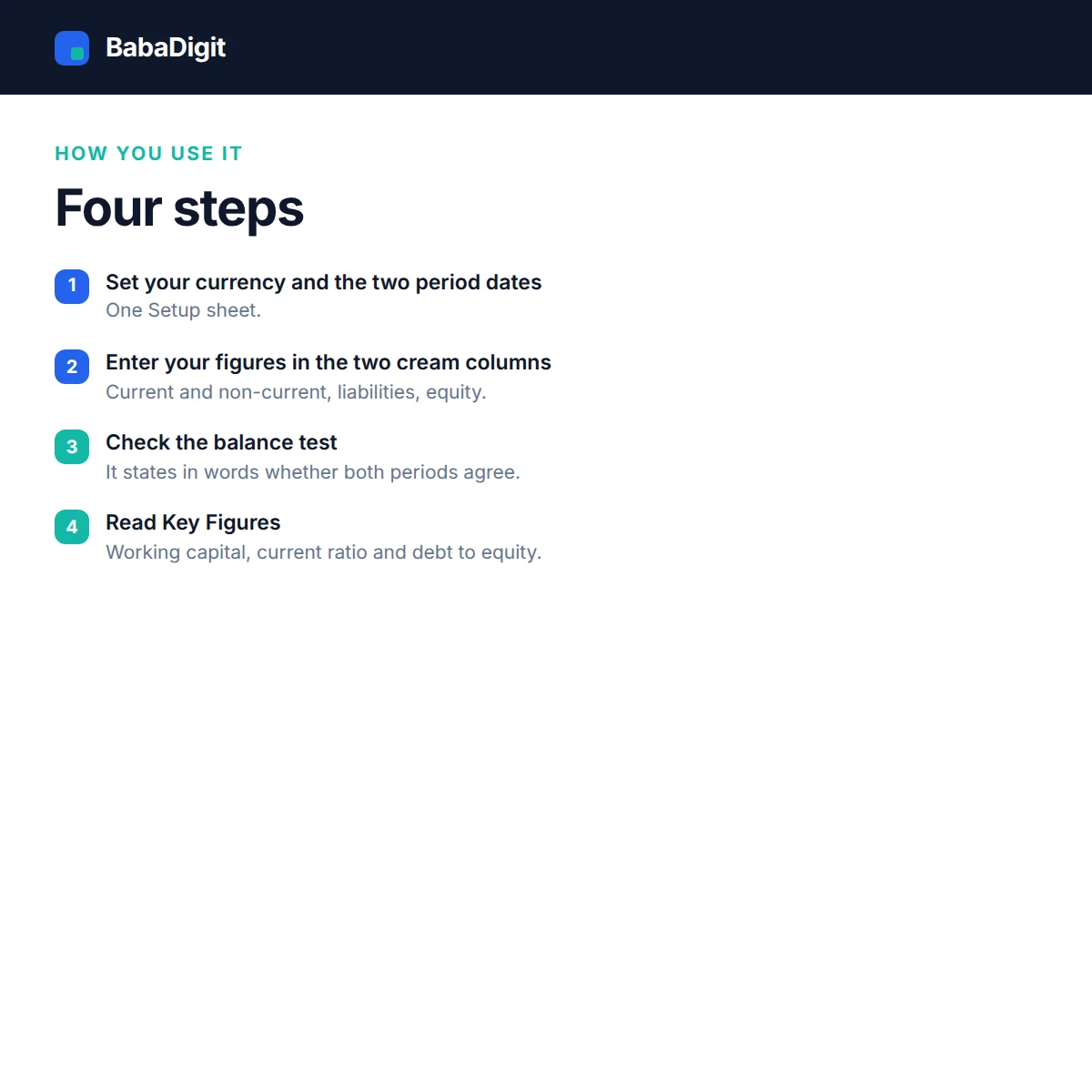
The Balance Sheet Template for Excel presents two periods side by side, with current and non-current assets, current and non-current liabilities, and equity. Enter the relevant balances and the workbook calculates the totals and movement between periods.
A built-in balance test checks whether total assets agree with total liabilities and equity, allowing for a rounding tolerance. The Key Figures sheet also calculates working capital, the current ratio and debt-to-equity, giving you a clearer view of liquidity and financial structure.
What you get
- Two-period presentation with movement
- Full current and non-current asset and liability sections
- Plain-English balance test with rounding tolerance
- Working capital, current ratio and debt to equity
- Sample data that balances, so you can see it working
- Configurable currency — no currency is hard-coded
- No country’s tax rates or statutory rules built in
- Sheets protected without a password
- No macros, no add-ins, no internet connection required
Who it is for
Business owners, bookkeepers and anyone who has to hand a balance sheet to a bank, an investor or an accountant.
In the download
- Excel workbook, fully formula-driven
- README with the full usage guide
- Licence covering commercial and client use
- Worked sample data throughout, clearly labelled
Sheets in the workbook
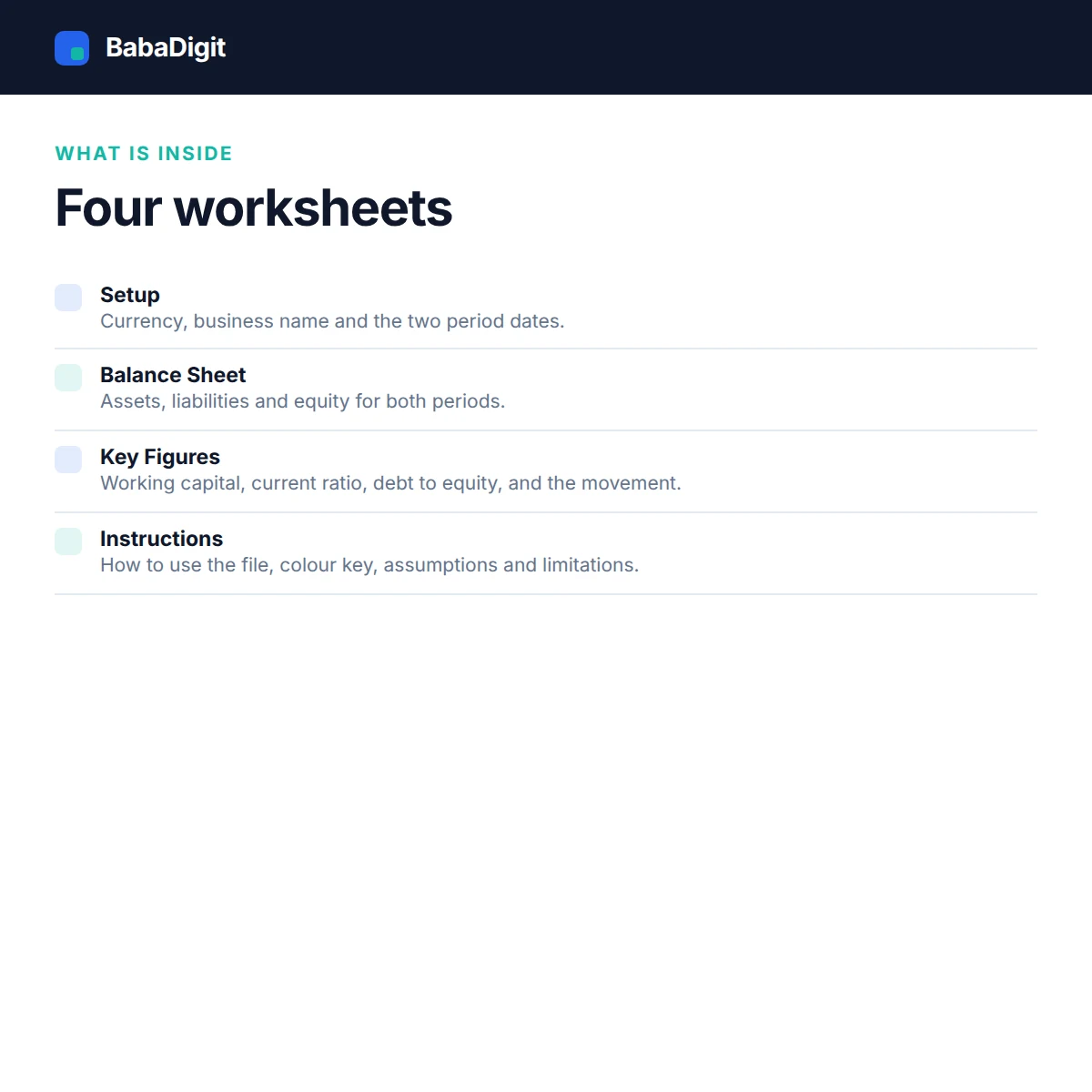
- Instructions — How to use the file, colour key, assumptions and limitations.
- Setup — Currency, business name and the two period dates.
- Balance Sheet — Assets, liabilities and equity for both periods.
- Key Figures — Working capital, current ratio, debt to equity and the movement.
Requirements
- Microsoft Excel 2016 or later, or Microsoft 365
- Also opens in LibreOffice Calc, Google Sheets (import) and Apple Numbers
- No macros, no add-ins, no internet connection required
Please read
- A management balance sheet, not a statutory or filed set of accounts.
- No accounting standard’s presentation or disclosure rules are built in.
- It cannot tell you whether a figure is correct, only whether the two sides agree.
- General information only, not financial, tax or accounting advice.
- Sample data is included and clearly labelled. It is illustrative only.
- This is a tool, not financial, accounting, tax or legal advice.
Frequently Asked Questions
What does a balance sheet show?
A balance sheet presents a business’s financial position at a specific date. It shows assets, liabilities and equity, helping you understand what the business owns and owes and the owners’ residual interest.
Can I compare two reporting periods?
Yes. The template provides two reporting periods side by side and calculates the movement between them, helping you review changes in assets, liabilities and equity.
Does the template check whether the balance sheet balances?
Yes. The built-in balance test checks whether total assets agree with total liabilities and equity, subject to the workbook’s rounding tolerance. It does not independently verify the accuracy or completeness of your accounting records.
Which financial ratios and figures are calculated?
The Key Figures sheet calculates working capital, the current ratio and the debt-to-equity ratio, providing additional insight into liquidity and financial structure.
Does this template include a profit and loss statement or cash flow statement?
No. This workbook focuses on balance sheet reporting. A profit and loss statement and cash flow statement require separate reports and supporting financial information.
Can I use this template for financial reporting?
You can use it to organise and review balance sheet information. Check the figures against your accounting records and applicable reporting requirements, and have the completed statement reviewed by a qualified accountant where necessary.
Reviews
There are no reviews yet.