
When you take out a loan, knowing the monthly payment is only part of the picture. You also need to understand how much goes towards interest, how quickly you repay the principal, and what the borrowing will cost you over the full term.
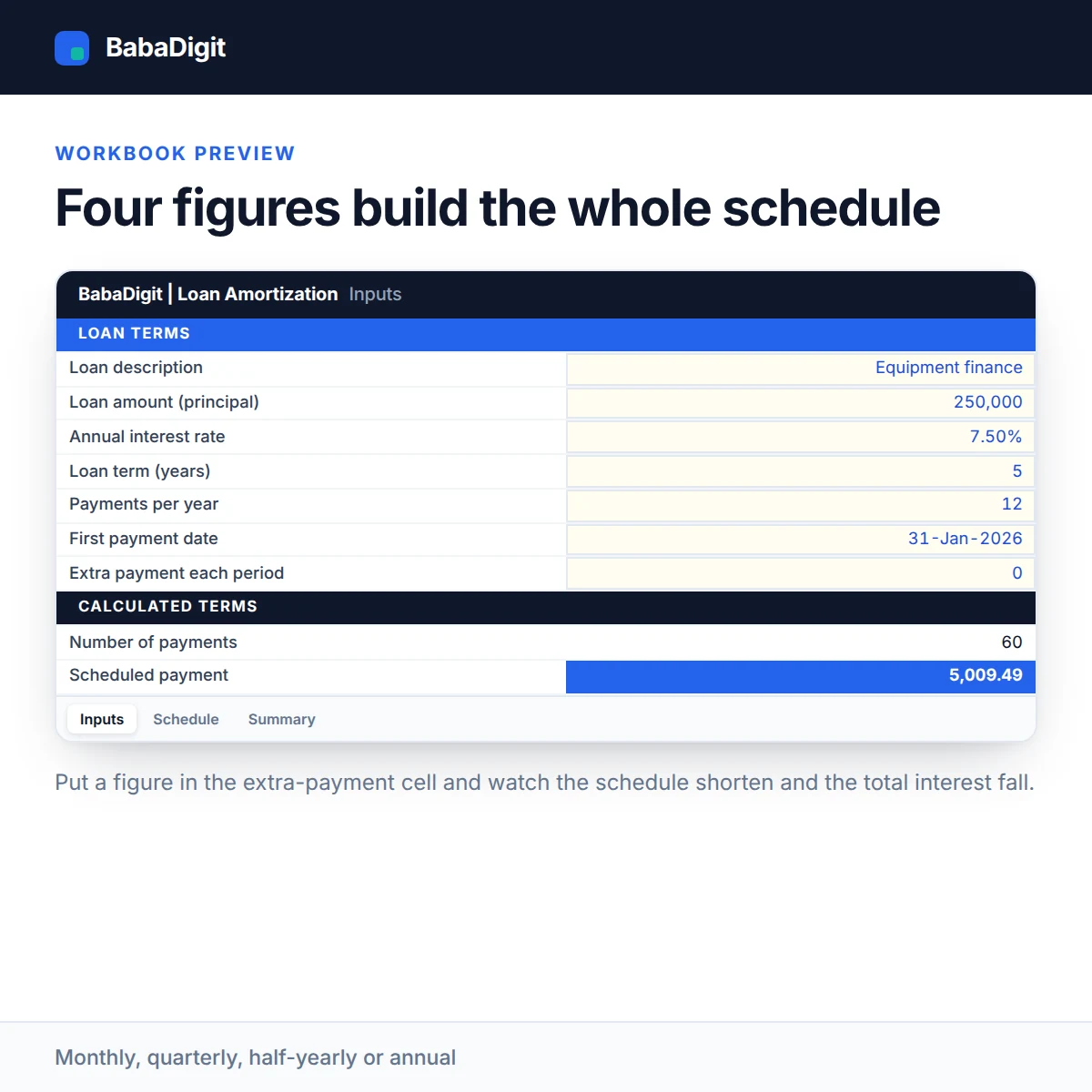
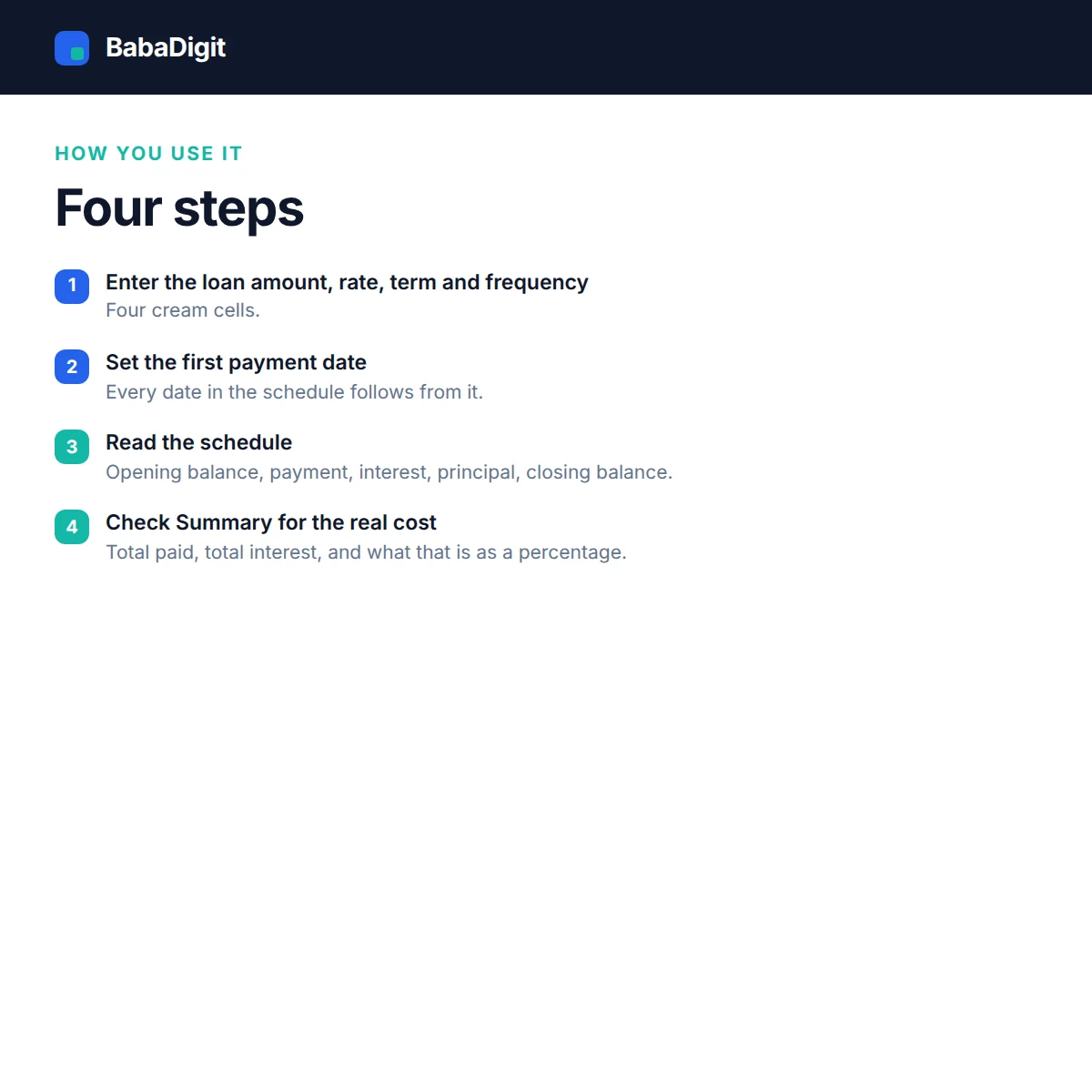
This Loan Amortization Schedule Template gives you that breakdown in Excel. Enter your loan amount, interest rate, repayment term and payment frequency, and the workbook calculates the payment schedule automatically.
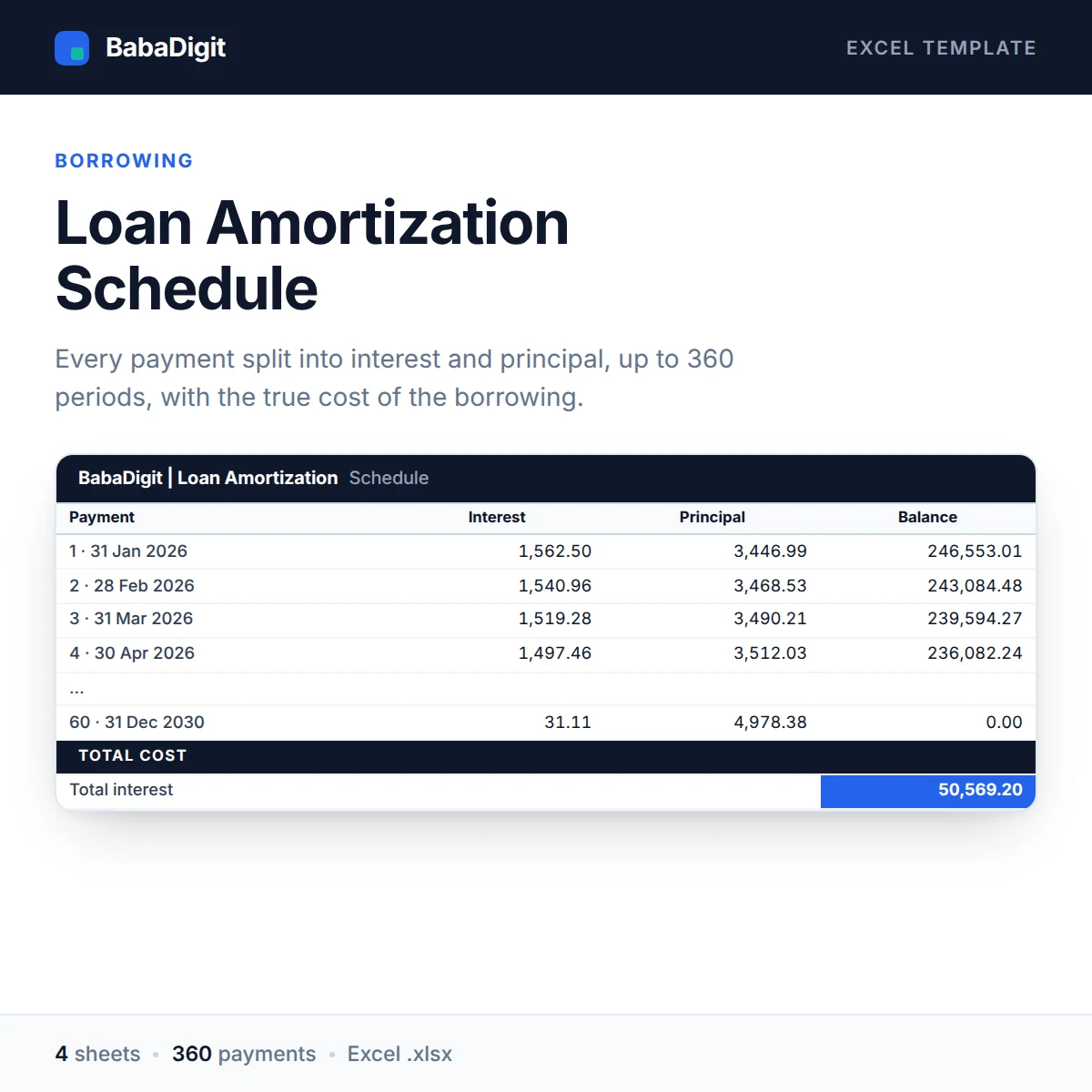
For every payment period, you can see the opening balance, payment amount, interest, principal repaid and remaining balance. The Summary sheet brings the key figures together, including total payments, total interest and the interest cost as a proportion of the original loan amount.
You can also enter an additional payment for each period to see how making extra repayments affects the outstanding balance and total interest. The final payment adjusts automatically to close the remaining balance, while two built-in reconciliation checks help confirm that the principal has been fully repaid.
What the workbook includes
- Complete repayment schedule: Up to 360 payment periods, with a breakdown of principal and interest.
- Four payment frequencies: Monthly, quarterly, half-yearly and annual.
- Additional repayments: Model extra payments and see their effect on the loan.
- Interest and payment summary: Review total interest, total paid and other key figures.
- Automatic final payment adjustment: The last payment is trimmed so the outstanding balance closes at zero.
- Reconciliation checks: Two checks help verify that the principal repayment matches the original borrowing.
- Zero-interest support: The workbook also handles loans with a 0% interest rate.
- Flexible currency: Configure the currency to suit your reporting needs.
Who might find this useful?
This template is suitable for individuals and businesses that want a clearer picture of their borrowing commitments.
You can use it to review a business loan, mortgage, car loan or equipment financing arrangement. It is also useful when comparing loan offers, preparing repayment forecasts or assessing whether additional repayments could reduce the overall interest cost.
What’s included in the download?
-
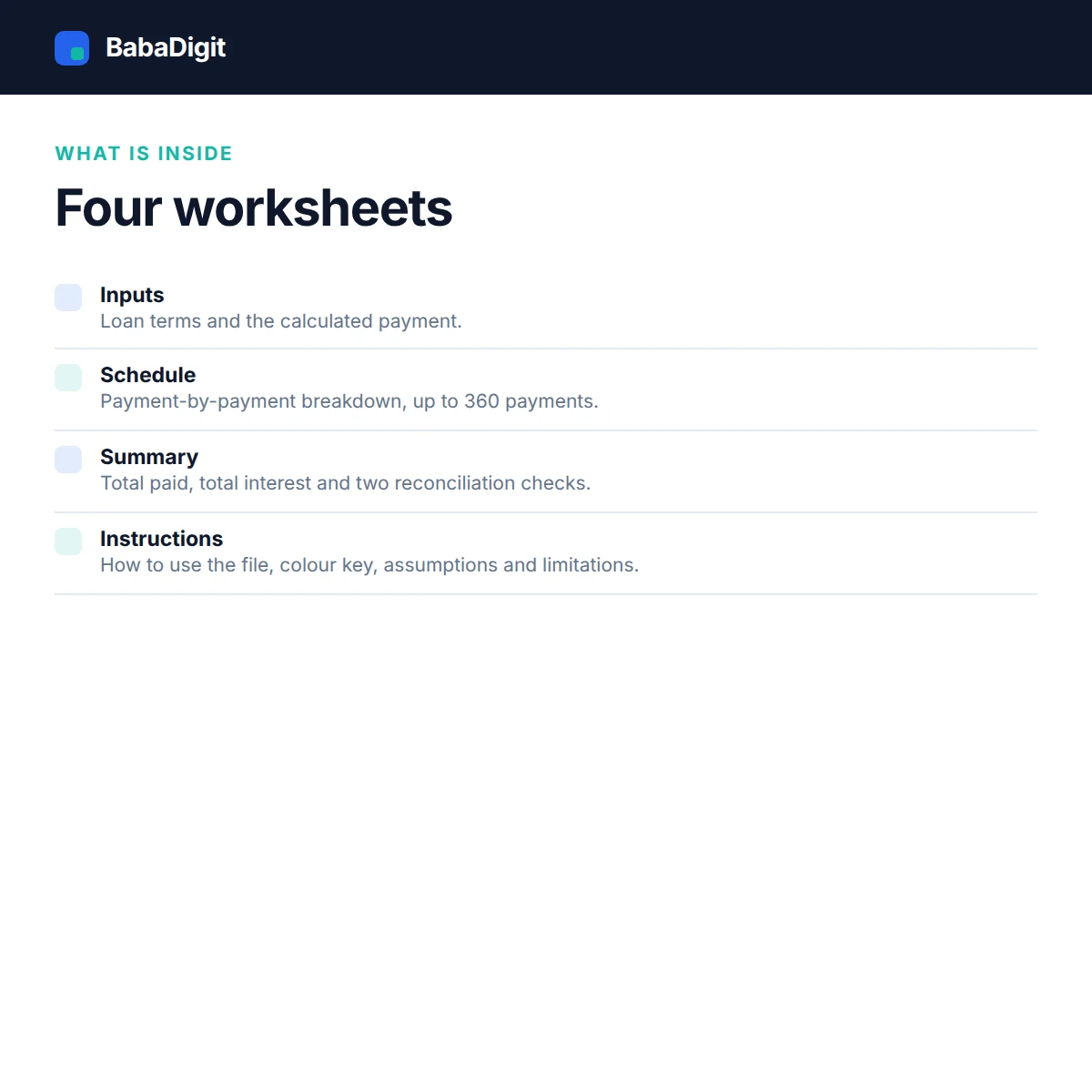
The download contains an Excel workbook with four worksheets.
-
Separate README guide
-
Commercial and client-use license
-
Worked sample loan with clearly identified illustrative data.
A look inside the workbook
-
1. Instructions
Explains how to use the workbook, the colour coding, key assumptions and model limitations.
2. Inputs
Enter the loan amount, interest rate, term and payment frequency. The workbook calculates the regular payment based on these inputs.
3. Schedule
Displays the full repayment schedule, including opening balance, payment, interest, principal and closing balance for each period.
4. Summary
Brings together the total amount paid, total interest and reconciliation checks so you can review the overall borrowing cost.
System requirements
- Microsoft Excel 2016 or later, or Microsoft 365.
- Can also be opened in LibreOffice Calc, Google Sheets (after importing) and Apple Numbers. Check formulas and formatting after importing into other spreadsheet applications.
- No macros or additional add-ins required.
- No internet connection needed to use the workbook.
Important assumptions and limitations
-
- The workbook is designed for fixed-interest-rate loans. It does not automatically model changes in interest rates. If your rate changes, recalculate using the revised rate, remaining balance and remaining term.
- Interest is calculated for each payment period using the reducing outstanding balance. Lenders who calculate interest daily may produce slightly different figures.
- The schedule supports a maximum of 360 payments, equivalent to 30 years of monthly payments.
- Actual repayment amounts may differ from your lender’s figures because of lender-specific fees, calculation methods and loan conditions.
- A worked sample loan is included for demonstration. Its figures are illustrative and should be replaced with your own inputs.
- This workbook is an analytical tool and does not constitute financial, accounting, tax or legal advice.
Frequently asked questions
How do I create a loan amortization schedule in Excel?
Enter the loan amount, annual interest rate, loan term and repayment frequency in the Inputs sheet. The workbook calculates the scheduled repayments and builds a payment-by-payment schedule showing principal, interest and the remaining loan balance. You can also review the Instructions and Summary sheets for guidance and results.
How does a loan amortization schedule calculate principal and interest?
Each repayment is divided between interest and principal. Interest is calculated using the outstanding balance and the applicable periodic rate. The remaining part of the repayment reduces the loan principal. The schedule repeats this calculation for each period and updates the outstanding balance.
Can I calculate the effect of extra loan repayments?
Yes. You can enter additional repayments for individual payment periods. These payments reduce the outstanding principal and can help you assess how extra repayments affect the remaining balance and total borrowing cost. The workbook also adjusts the final payment automatically when the remaining balance is lower than the scheduled amount.
Which loan repayment frequencies does the template support?
The template supports monthly, quarterly, half-yearly and annual repayment frequencies. It can generate schedules for up to 360 payment periods, depending on the selected frequency and loan term.
Can I use this Excel template for a mortgage, car loan or business loan?
Yes. You can use it to prepare repayment schedules for mortgages, car loans, business loans and other borrowing arrangements that use fixed interest rates and the supported reducing-balance calculation method. Always compare the results with your lender’s repayment terms.
Does the loan amortization template support 0% interest?
Yes. The workbook supports interest-free loans as well as loans with a fixed annual interest rate. For a 0% interest loan, repayments are applied towards the principal balance.
Can I use the loan amortization workbook in Google Sheets or LibreOffice?
The workbook is designed for Microsoft Excel 2016 and Microsoft 365. It can also be opened in LibreOffice, imported into Google Sheets or opened in Apple Numbers. Check formulas and formatting after importing, as spreadsheet applications may handle some features differently.
Can I use this template for a loan with a variable interest rate?
No. The workbook is designed for fixed-rate loans and does not automatically calculate interest rate changes during the repayment period. If your lender changes the rate, you will need to prepare an updated schedule using the revised rate and outstanding balance.
Try the free calculator first
If you want to explore your loan or evaluate an investment before working with the full schedule, you may also find these free calculators useful:
Reviews
There are no reviews yet.