
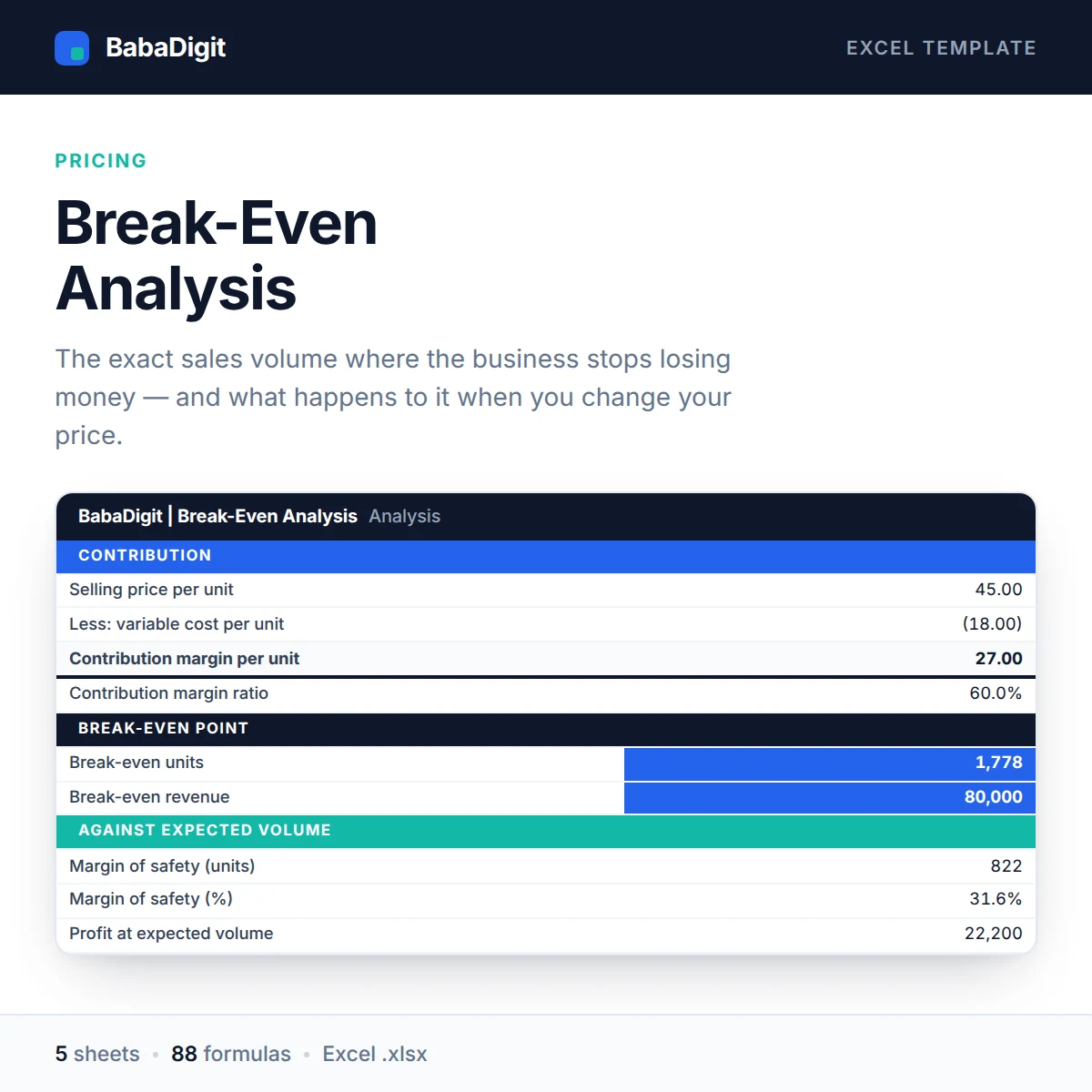
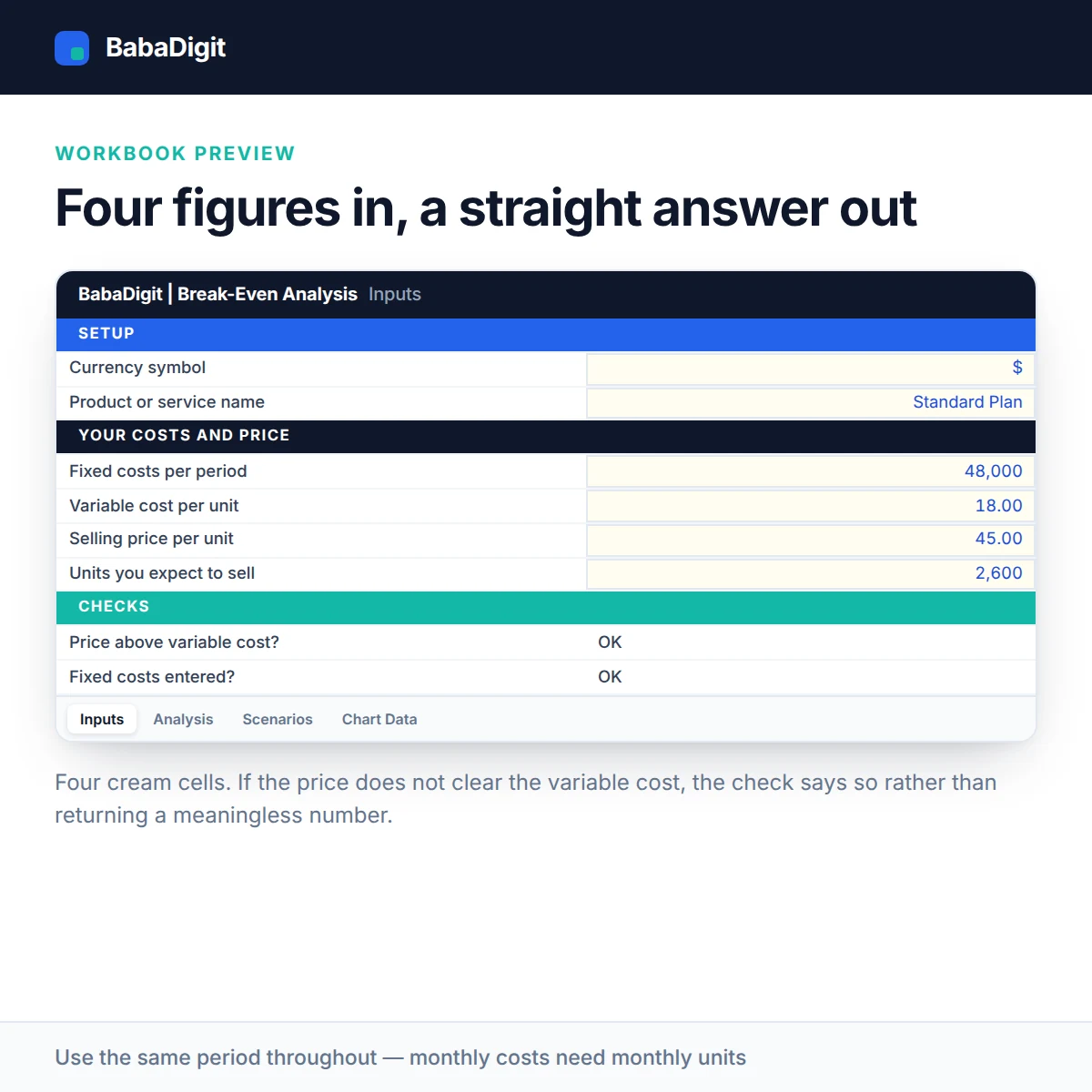
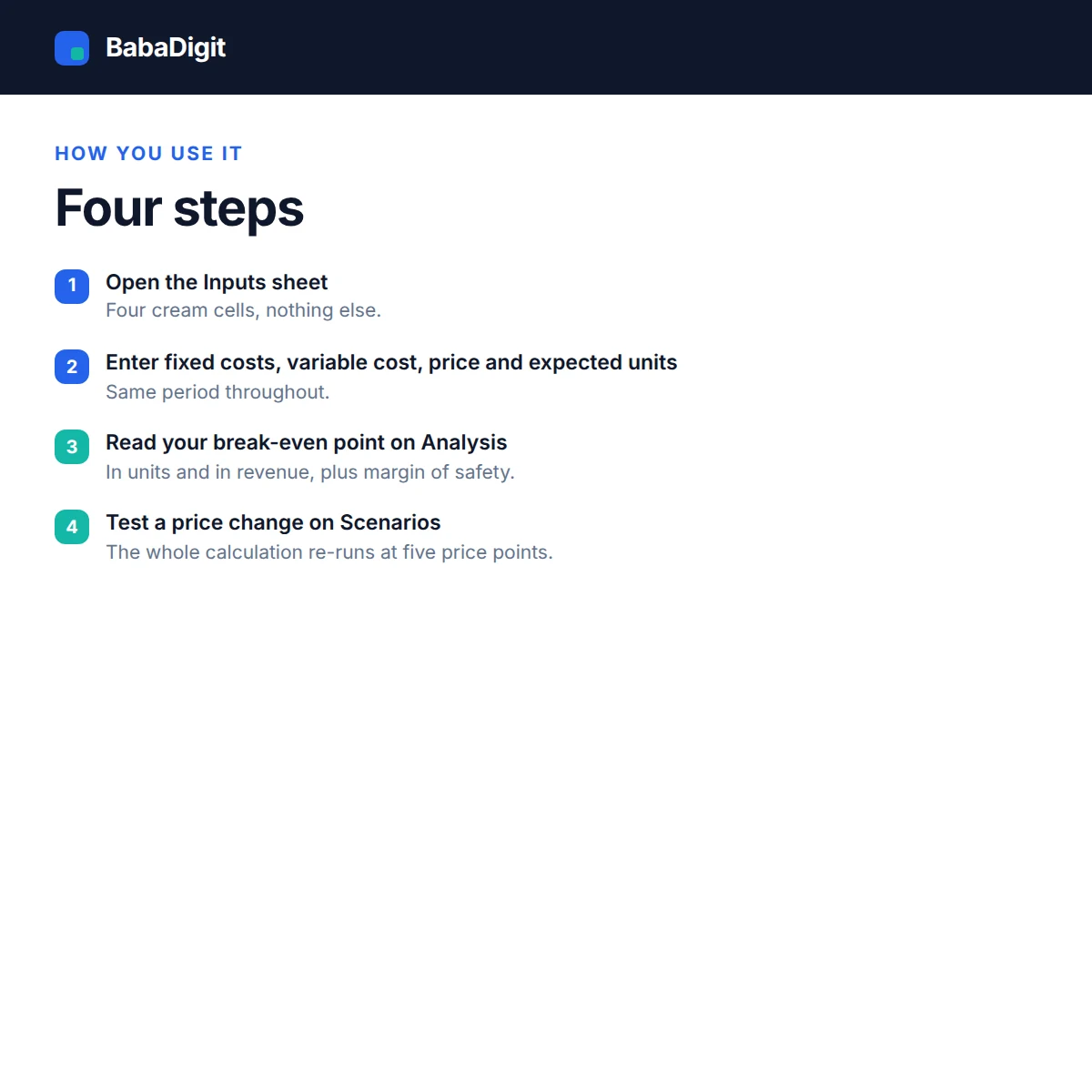
Break-even is the first number most business owners want and the one most spreadsheets get muddled. This template asks for four figures and gives you a straight answer: how many units you need to sell, and what that is worth in revenue.
It then does the part most calculators skip. The margin of safety shows how far sales could fall before you cross back into a loss. The scenario table re-runs the whole calculation at five price points, so you can see what a 10% discount really costs you in extra volume before you offer it.
Every figure is a live formula. Change a cost and everything updates. The workbook opens on an Instructions sheet that explains which cells to edit, what each output means and where the model’s limits are.
What you get
- Break-even units and break-even revenue
- Contribution margin per unit and as a ratio
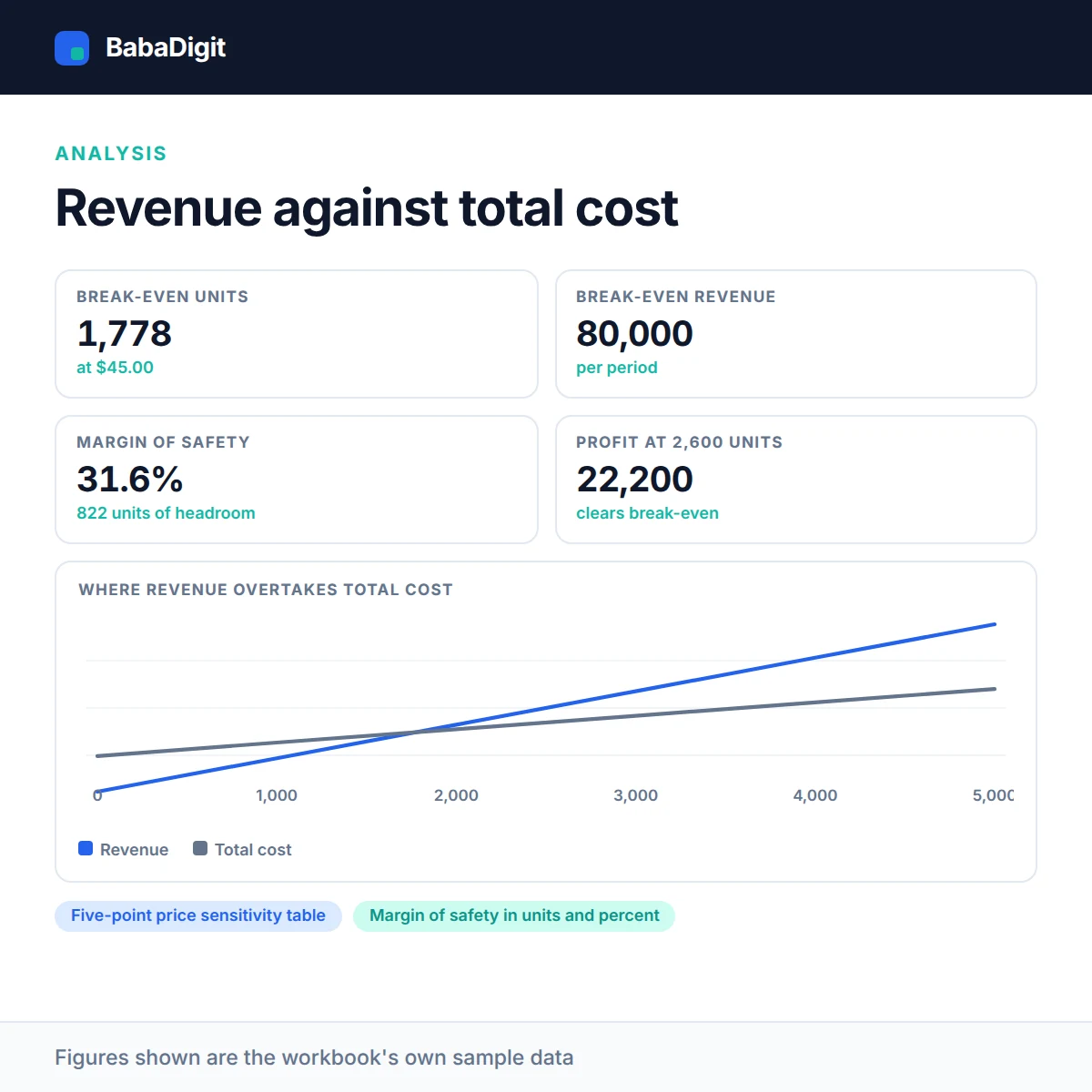
- Margin of safety in units and percent
- Five-point price sensitivity table
- Revenue vs total cost chart
- Configurable currency — no currency is hard-coded
- Sheets protected without a password
Who it is for
Any business selling a product or service at a repeatable unit price — retail, manufacturing, SaaS, agencies, food and beverage, e-commerce, freelancers setting rates.
In the download
- Excel workbook with 5 sheets
- README with full usage guide
- Licence covering commercial and client use
- Worked sample data throughout, clearly labelled
Sheets in the workbook
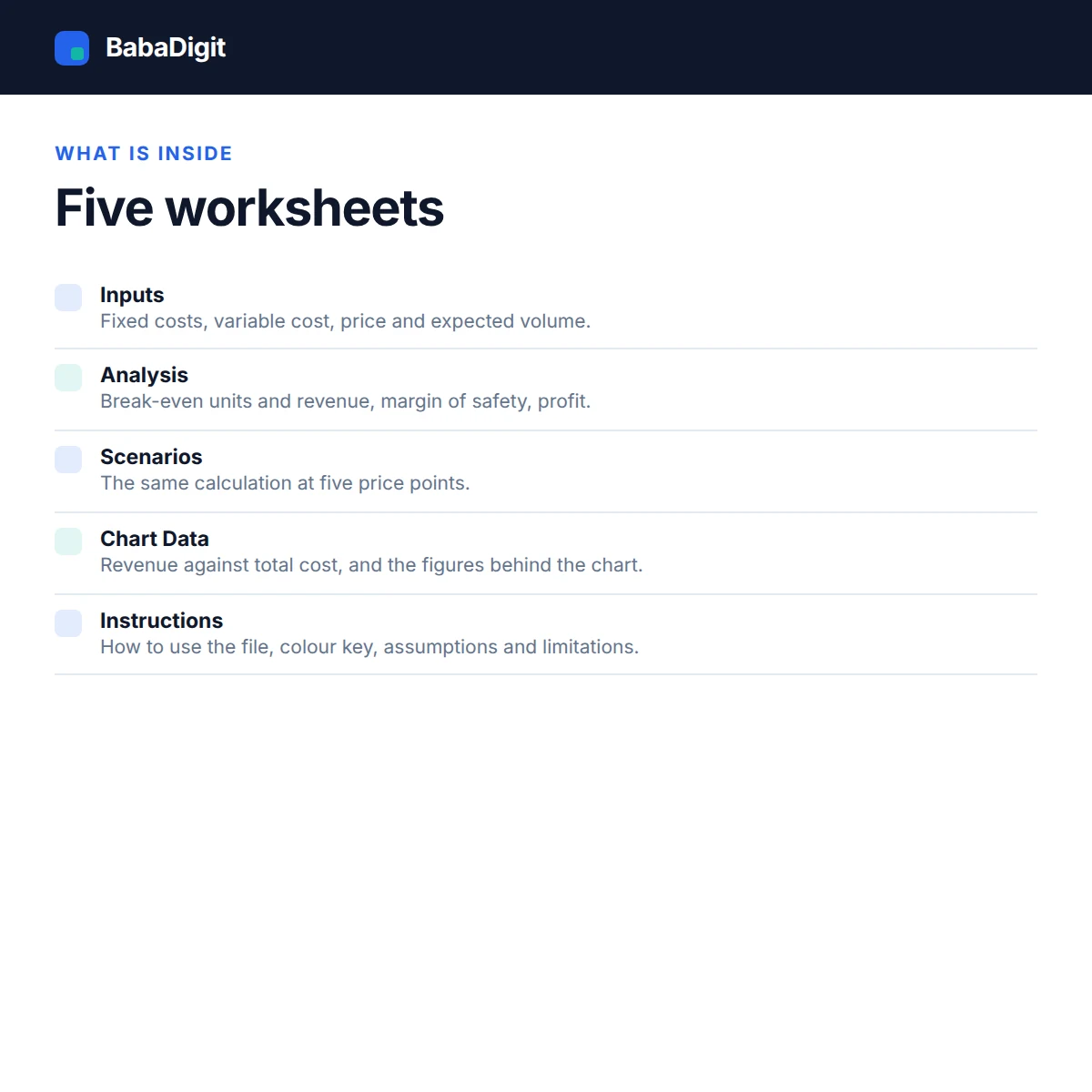
- Instructions — How to use the file, colour key, assumptions and limitations.
- Inputs — Your fixed costs, variable cost, price and expected volume.
- Analysis — Break-even units, break-even revenue, margin of safety, profit.
- Scenarios — The same calculation at five price points.
- Chart Data — Revenue vs total cost chart and the figures behind it.
Requirements
- Microsoft Excel 2016 or later, or Microsoft 365
- Also opens in LibreOffice Calc, Google Sheets (import) and Apple Numbers
- No macros, no add-ins, no internet connection required
Please read
- Single-product model. Businesses with very different margins across products should run it once per product line, or use a weighted average.
- Step costs — an extra hire, a second unit of rent — are not modelled.
- Answers a volume question, not a timing question. It does not tell you whether you have the cash to reach that volume.
- General information only, not financial advice.
- Sample data is included and clearly labelled. It is illustrative only.
- This is a tool, not financial, accounting, tax or legal advice.
Reviews
There are no reviews yet.